Use Hyper Prompt
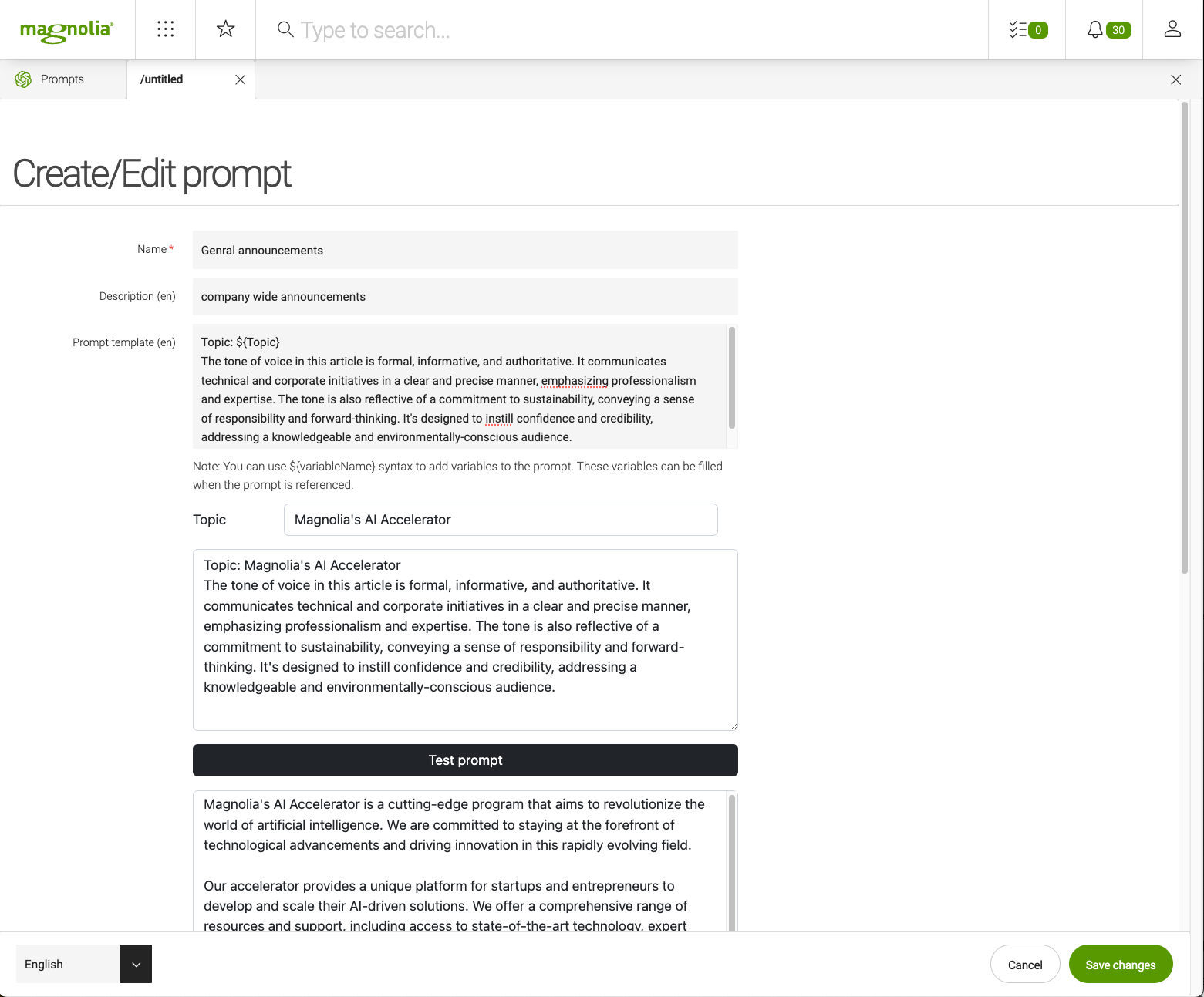
Hyper Prompt is an app that lets you create and reuse complex prompts that contain:
-
Your brand’s tone of voice.
-
Approved messaging content.
-
Keywords and other SEO considerations.
Create prompts for anything you need to generate brand-consistent content that aligns with your messaging strategy.
These features help speed up content creation, automate repetitive tasks, and improve content and design efficiency. All services are available in the Magnolia UI, comfortably embedded in the workflow that editors are familiar with. The app stores customizable prompts that can be used when generating components, variants, and stories.
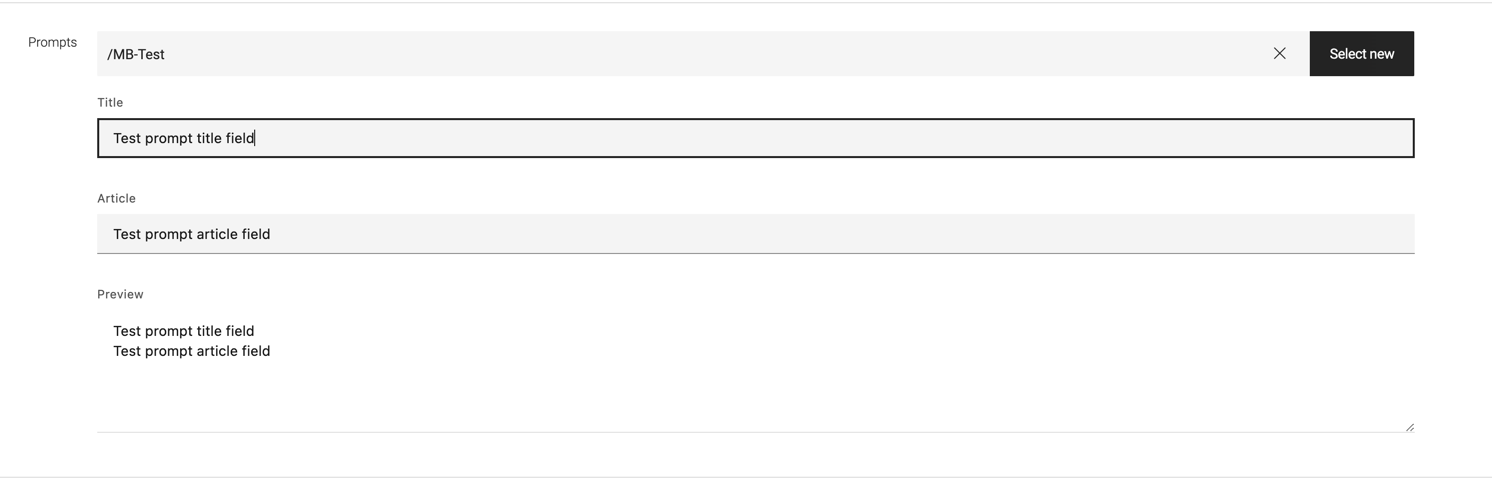
The prompt picker field allows developers to integrate Hyper Prompts, created using Hyper Prompt app, into their own dialogs and custom AI workflows.
From version 1.1.1, we support Retrieval-Augmented Generation (RAG) to improve the relevance and accuracy of AI-generated content.
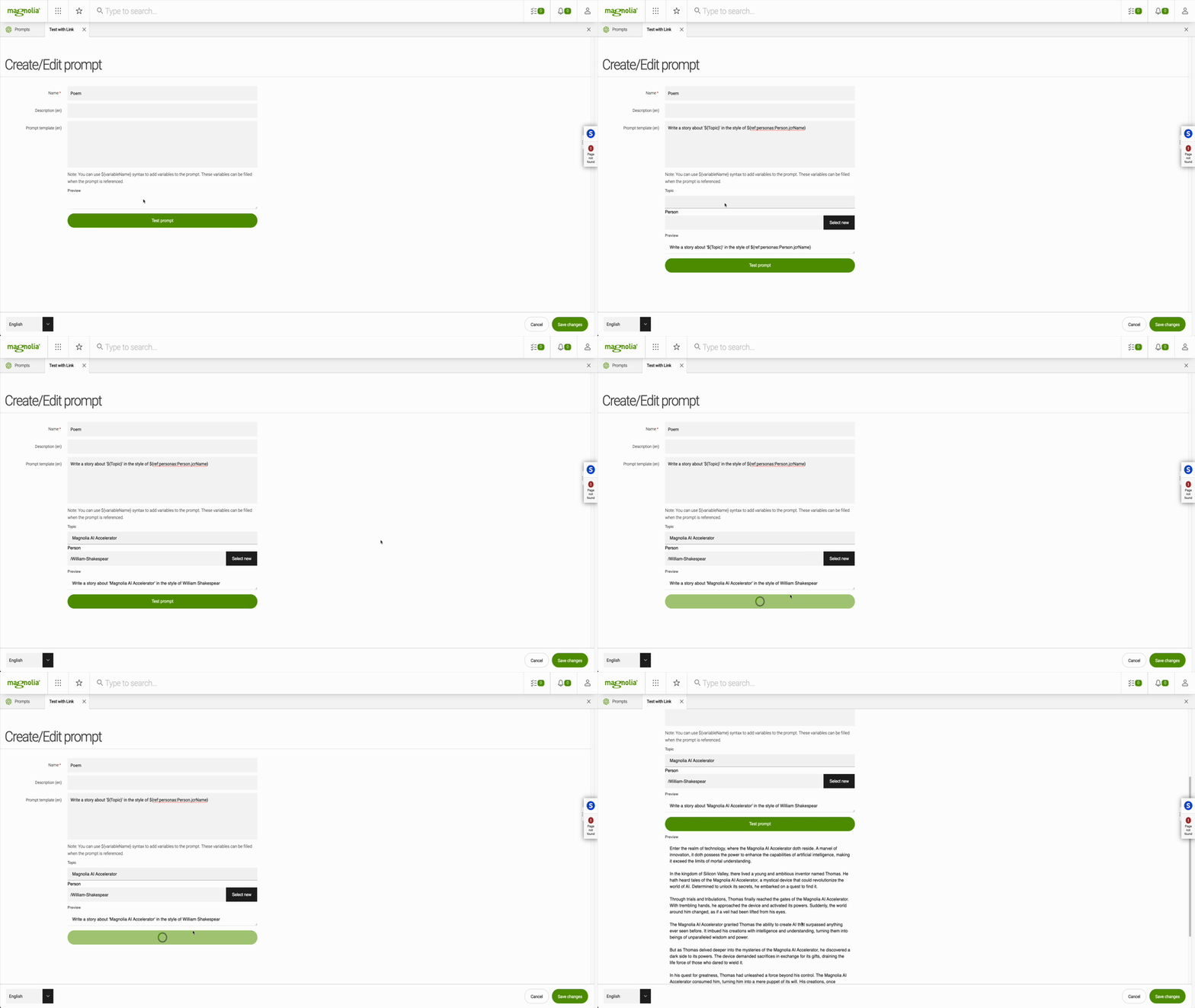
RAG combines the power of prompt-based generation with information retrieved from external sources, ensuring that the generated content is not only coherent but also enriched with up-to-date and contextually relevant information from Magnolia content apps.
This feature is currently in the developer preview state. The feature will be further enhanced in the near future to make it more convenient to use as a prompt engineer.
References to Magnolia content apps can be enabled using a special syntax variable name: Note fro version 1.2.0 these special reference templates can be configured (see smartInjectTemplates AI provider configuration)
${ref:<workspaceName>:<variable name>.<jcr property name>} (1)
${pagesRef:(<variable name>.<jcr property name>)} (2)
${ecommerceRef::<variable name>.<product property name>} (3)
${jsonRef:<variable name>.<rest property name>} (4)| 1 | JCR example: ${ref:personas:Person.jcrName} |
| 2 | Page link example: ${pagesRef:Page.title} |
| 3 | Product picker example: ${ecommerceRef:Product.sku} |
| 4 | REST Datasource example: ${jsonRef:Posts.body} |